

Privacy-first monitoring
Monitor your elderly parent's email for scams without reading their mail
You want to catch the scam. You don't want to read Mom's notes from her book club. OwlGuardian is built so you only ever see the emails that look dangerous.
$4.99/month after a 30-day free trial. Gmail today. Outlook and Hotmail in beta.
The short answer
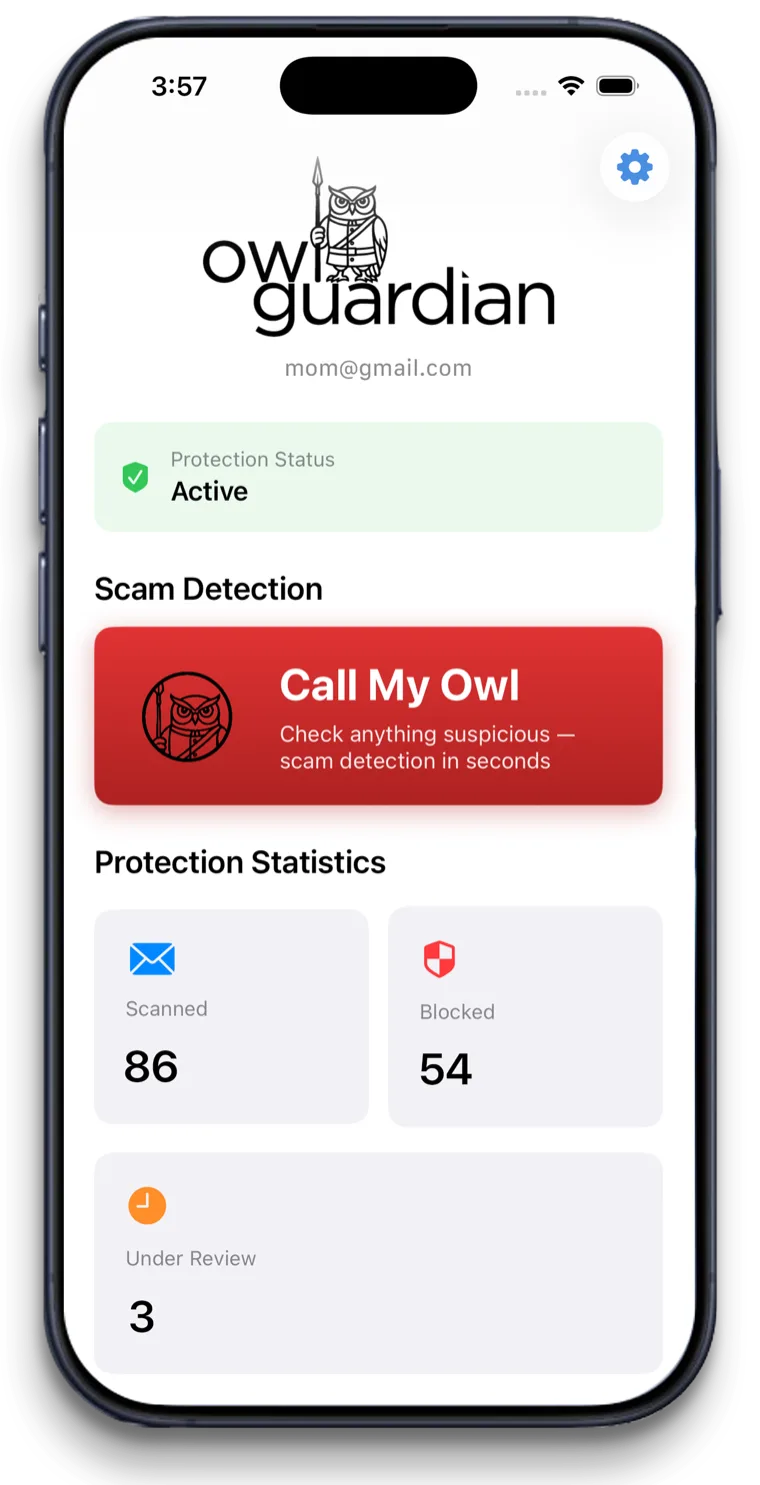
To monitor an elderly parent's email for scams without invading their privacy, use a tool that shows you only flagged messages. OwlGuardian scans your parent's Gmail with AI, quarantines suspicious emails, and alerts you as their Trusted Contact. You never see their everyday mail.
The problem
Why this is hard to solve on your own.
Full access feels like spying
Logging into a parent's inbox or reading over their shoulder can damage trust, even when your heart is in the right place.
Workarounds give you everything or nothing
Gmail delegation lets a delegate read, send and delete all email in the account. Forwarding filters send you copies. Neither separates scams from private mail.
Your parent deserves a say
Many adults agree to help with scams but not to being watched. You need a setup you can explain honestly in one sentence.
How OwlGuardian helps
What it does, in plain English.
You see flagged emails only
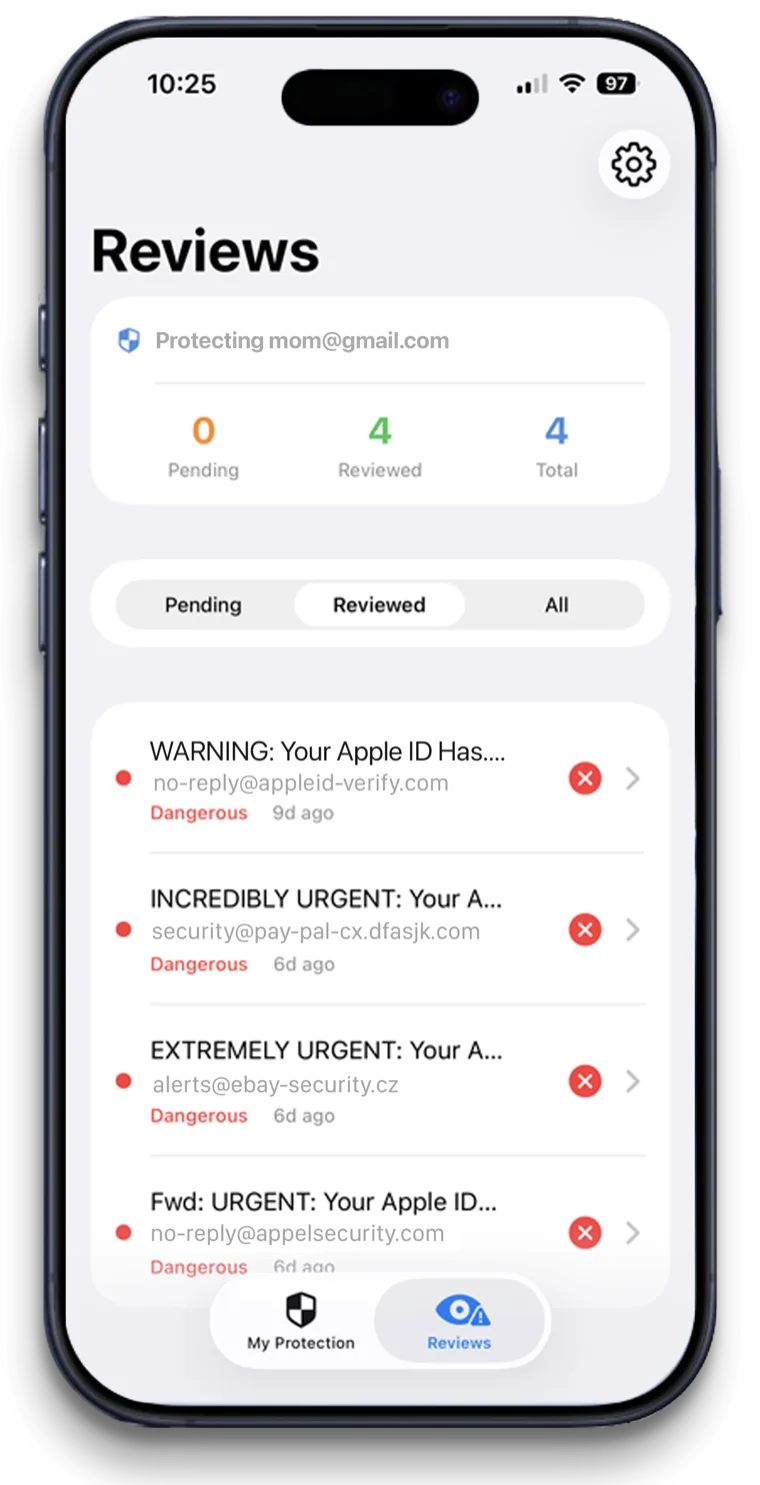
OwlGuardian alerts you only when an email looks like a scam. Personal, medical and money emails that look normal stay between your parent and their inbox.
Your parent stays in charge of their account
No shared password, no change to how Gmail looks. They can open the app any time and see exactly what has been quarantined.
You decide on each flag in two taps
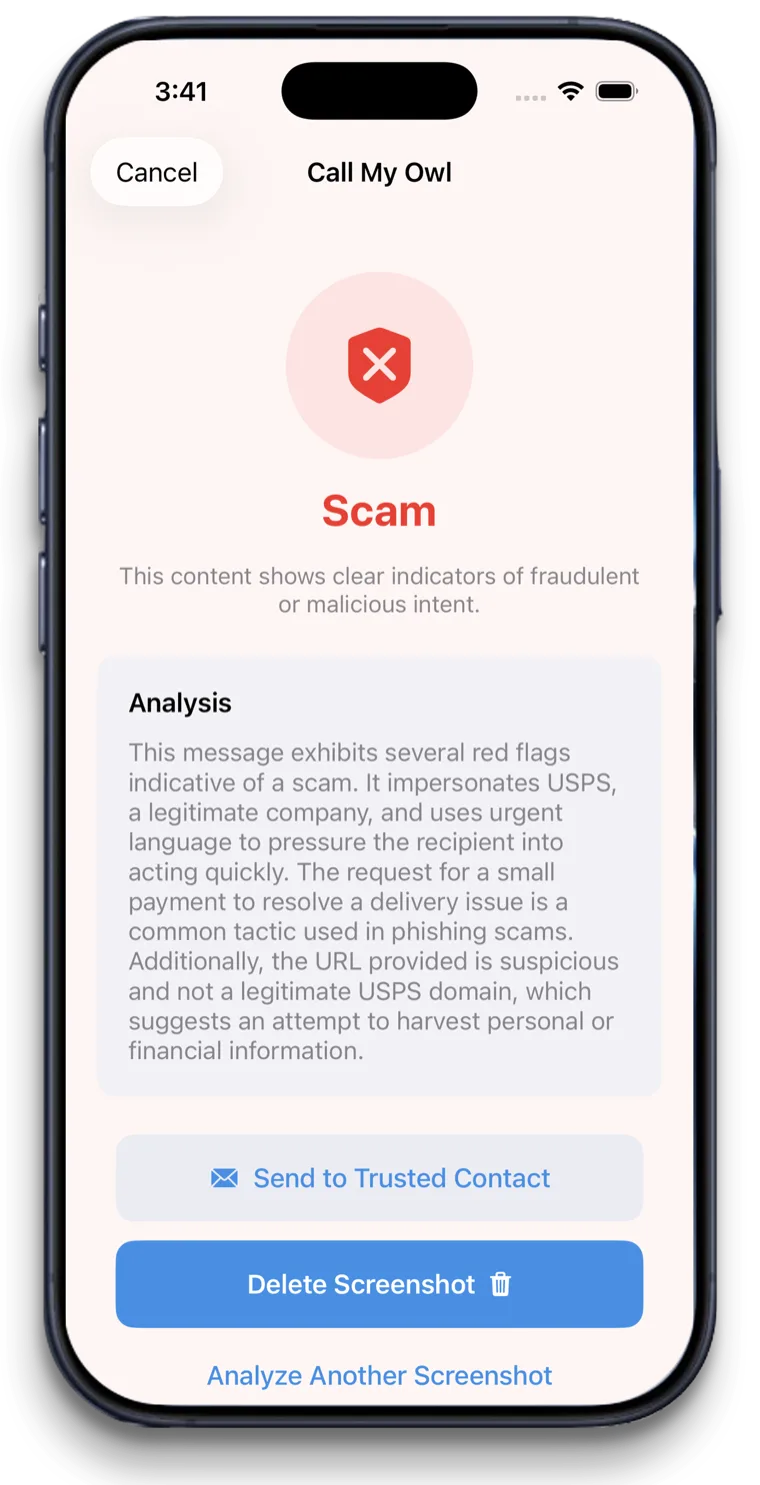
The alert includes a plain-English summary of what the email claims and why it looks risky. Release it if it's fine, keep it if it isn't.
Data handling you can explain
Only suspect messages are stored, double-encrypted on AWS, then deleted. OwlGuardian passed Google's CASA security assessment. No ads, no data sales.
Your options
How it compares with other ways to stay safe.
An honest look. Most families use more than one layer.
Option
What it catches
Where it falls short
Gmail delegation
Everything. A delegate can read, send and delete emails in the account.
Full access to all private mail. Set up only from a computer. No scam detection on its own.
A Gmail filter that forwards mail to you
Copies of emails matching rules you write.
Either too broad (you get private mail) or too narrow (you miss new scams). Your parent still sees the scam.
Bank and identity monitoring with caregiver access (EverSafe, Carefull, Aura)
Alerts about account activity, credit or transactions, shared with a trusted person your parent chooses.
Mostly watches accounts. EverSafe and Aura sell email-screening add-ons, but the core plans focus on money and identity. See comparisons.
OwlGuardian
Only emails that look like scams, quarantined before your parent opens them, with an alert to you.
Gmail today, with Outlook and Hotmail in beta. You won't see normal emails, even if you want to.
Looking at a specific product? See our comparison pages.
A good fit if
- Adult children who want to help without reading private mail
- Parents who said "I don't want you reading my email" but agreed to scam help
- Siblings who want one person to be the Trusted Contact
- Families coordinating care for a parent with memory changes
Not the right fit if
- Reading a parent's full inbox. OwlGuardian doesn't show everyday mail.
- Monitoring someone without their knowledge. Set it up together.
- Monitoring calls, texts or bank accounts. It covers Gmail, and Call My Owl checks screenshots on request.
- Yahoo or AOL accounts, for now. Outlook and Hotmail are in beta. See supported providers.
Get started
$4.99 a month. Free for 30 days.
One subscription per person you protect. Set up in about five minutes. Cancel anytime in the App Store.