

Email protection
An email scam filter for seniors that works with Gmail, not against it
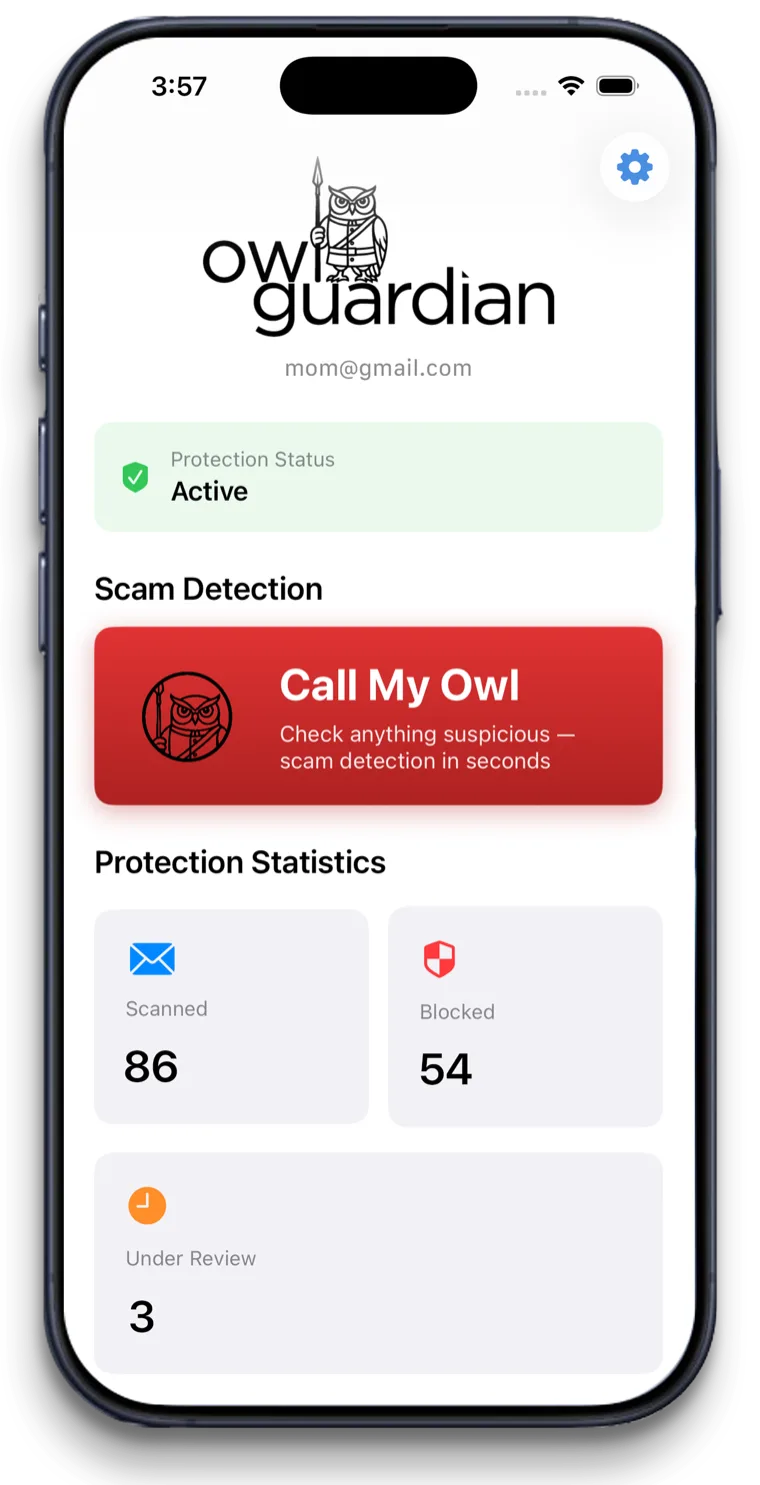
Gmail already filters spam, and you should keep it on. OwlGuardian adds a second filter tuned for scams, plus a person in the family who gets told.
$4.99/month after a 30-day free trial. Gmail today. Outlook and Hotmail in beta.
The short answer
An email scam filter for seniors checks each incoming message for scam tricks and keeps risky ones out of the inbox. Gmail's spam filter does part of this on its own. OwlGuardian adds a second layer: AI quarantines suspicious emails before they're opened and sends a Trusted Contact a plain-English alert to review.
The problem
Why this is hard to solve on your own.
Spam and scams aren't the same thing
Spam is mostly junk ads. Scams are written to look like your bank, PayPal, Geek Squad or a grandchild. Some look normal enough to reach the inbox.
Warnings still need a decision
Gmail can show a banner on a suspicious message. Your parent still has to read it, understand it, and choose not to click.
Filtering yourself takes too much upkeep
Gmail filters and blocked senders work on exact words and addresses. Scammers change both constantly.
How OwlGuardian helps
What it does, in plain English.
A second filter that reads for intent
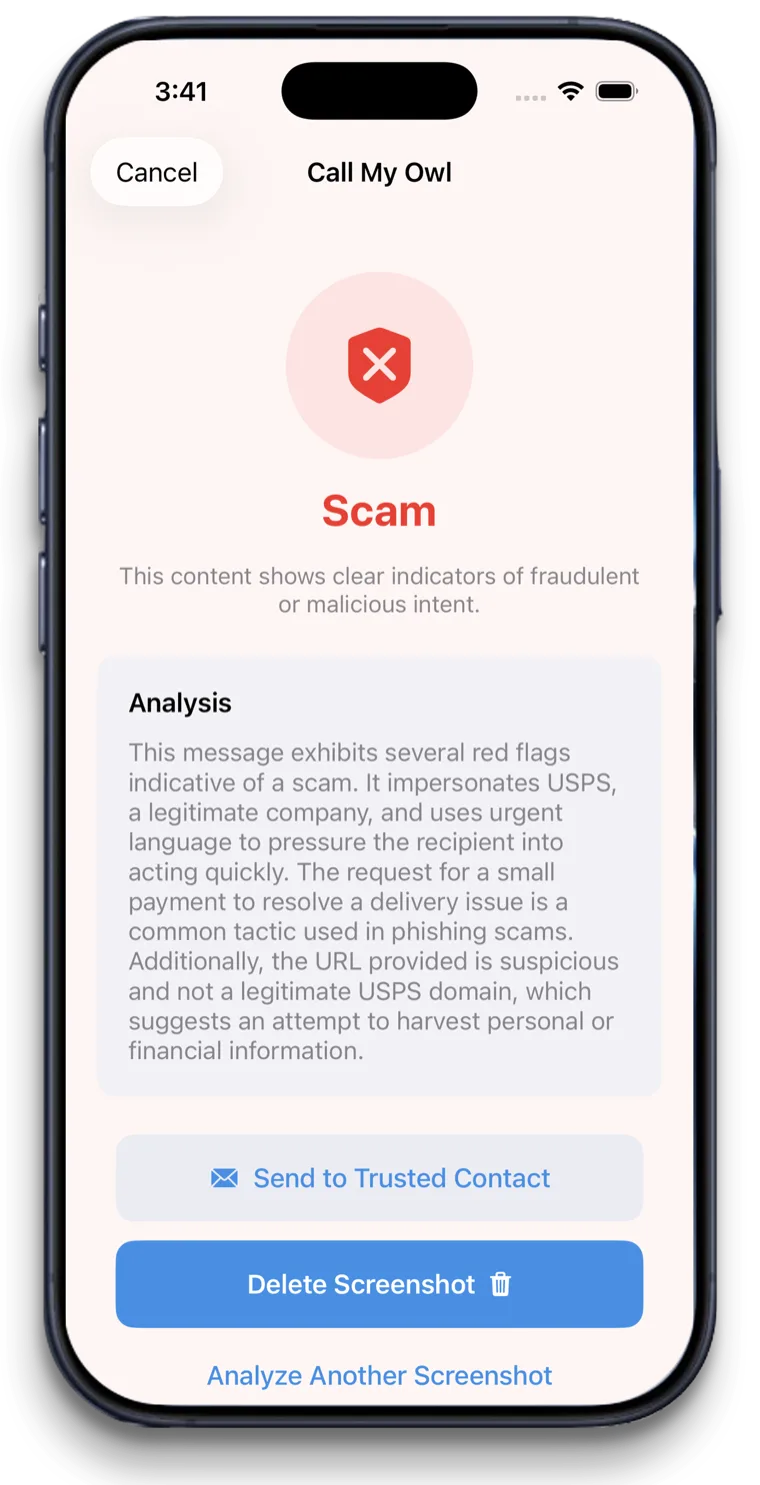
OwlGuardian looks for the moves scams make: urgent deadlines, fake charges, "call this number," requests for gift cards or remote access. Not just junk mail signals.
Quarantine within seconds
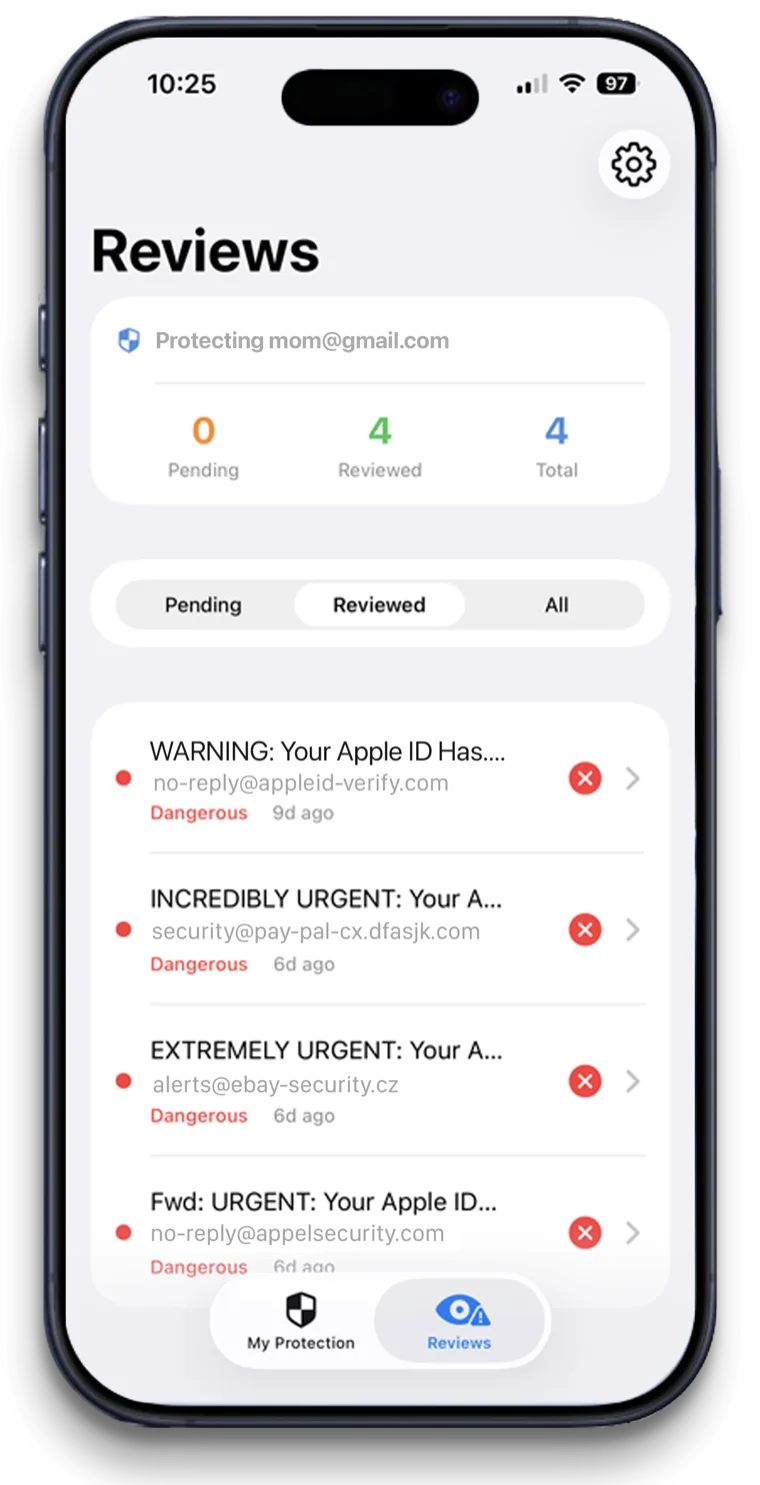
Flagged emails are moved out before your parent sees them. Gmail's own filter keeps running too. Nothing is switched off.
A human in the loop
The Trusted Contact gets a short summary and releases or keeps each email. That's the part a spam filter can't do: tell the family.
Security you can check
OwlGuardian passed Google's Cloud Application Security Assessment (CASA). Only suspect messages are stored, double-encrypted, then deleted. No ads, no data sales.
Your options
How it compares with other ways to stay safe.
An honest look. Most families use more than one layer.
Option
What it catches
Where it falls short
Gmail spam filter and Spam folder
Emails Gmail automatically identifies as spam. It gets better as people report spam.
Works silently. No one in the family is alerted when a scam slips into the inbox.
Gmail's "This message could be a scam" warning
Shows above some suspicious emails that come from an address in your contacts.
The email is still in the inbox. Your parent decides what to do.
Gmail filters and blocked senders (do it yourself)
Emails matching rules you write, like a sender or a word.
Only catches what you predicted. Needs constant updating.
OwlGuardian (on top of Gmail)
Phishing, social engineering, urgency tricks and known scam patterns, quarantined before opening, with a family alert. With Call My Owl, your parent can also check a suspicious text, pop-up or letter by saying "Hey Siri, call my Owl."
Gmail today, with Outlook and Hotmail in beta. Doesn't filter calls, texts or postal mail.
Looking at a specific product? See our comparison pages.
A good fit if
- Parents with a Gmail address, whether they read it on a phone, tablet or computer
- Families who see scams landing in the inbox even with spam filtering on
- Families who want a trusted person told, not just a label on the email
Not the right fit if
- Yahoo, AOL or internet-provider email. Not supported yet. Outlook and Hotmail are in beta. Join the waitlist.
- Replacing Gmail's spam filter. OwlGuardian works alongside it.
- Work email managed by an employer.
- Filtering texts or calls. Use iPhone's unknown-sender filtering and your carrier's call protection.
Get started
$4.99 a month. Free for 30 days.
One subscription per person you protect. Set up in about five minutes. Cancel anytime in the App Store.