

Scam email blocker
A scam blocker for elderly parents, starting with the inbox
Most "scam blockers" are really call blockers. OwlGuardian blocks scam emails. Here is exactly what it stops, what it doesn't, and the free tools that cover the rest.
$4.99/month after a 30-day free trial. Gmail today. Outlook and Hotmail in beta.
The short answer
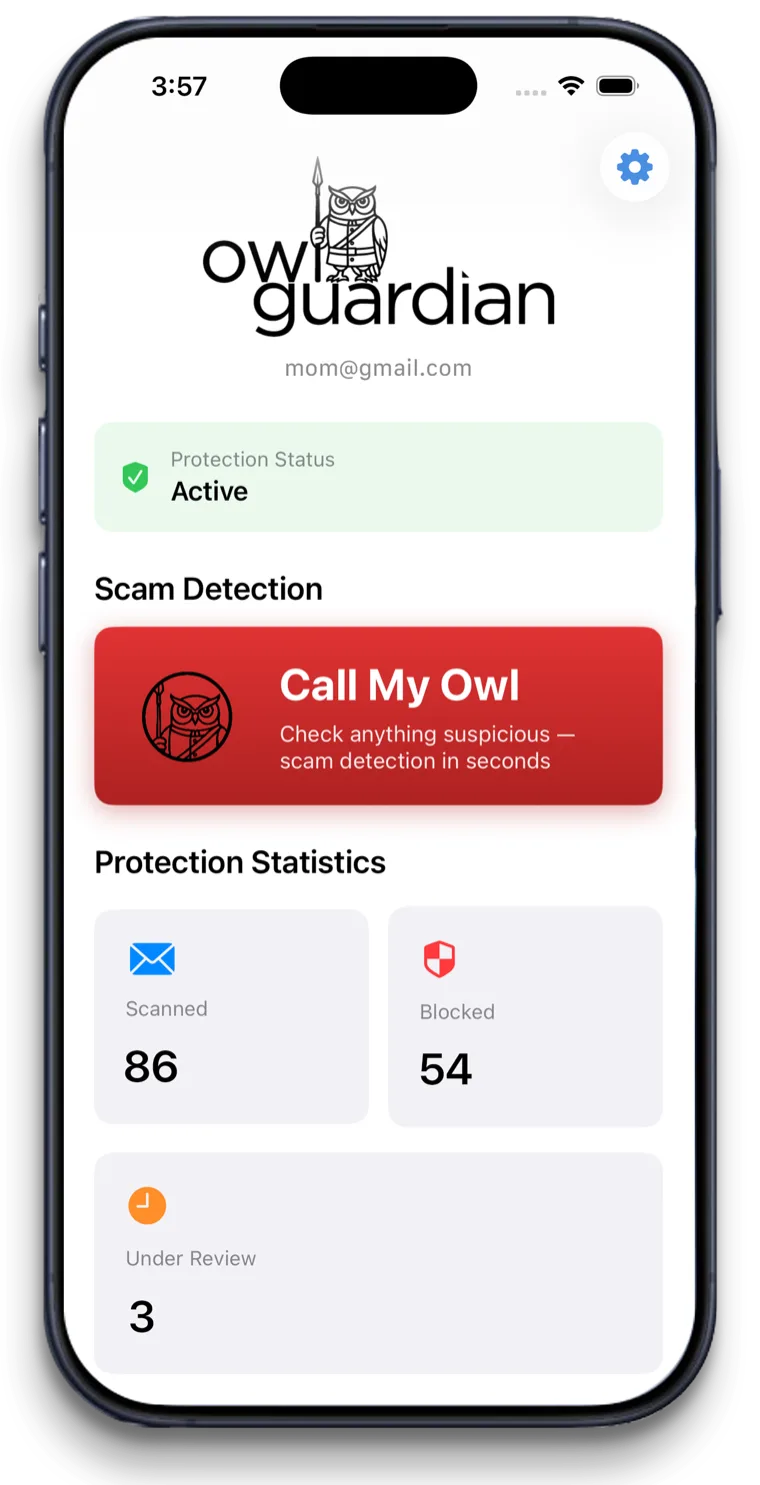
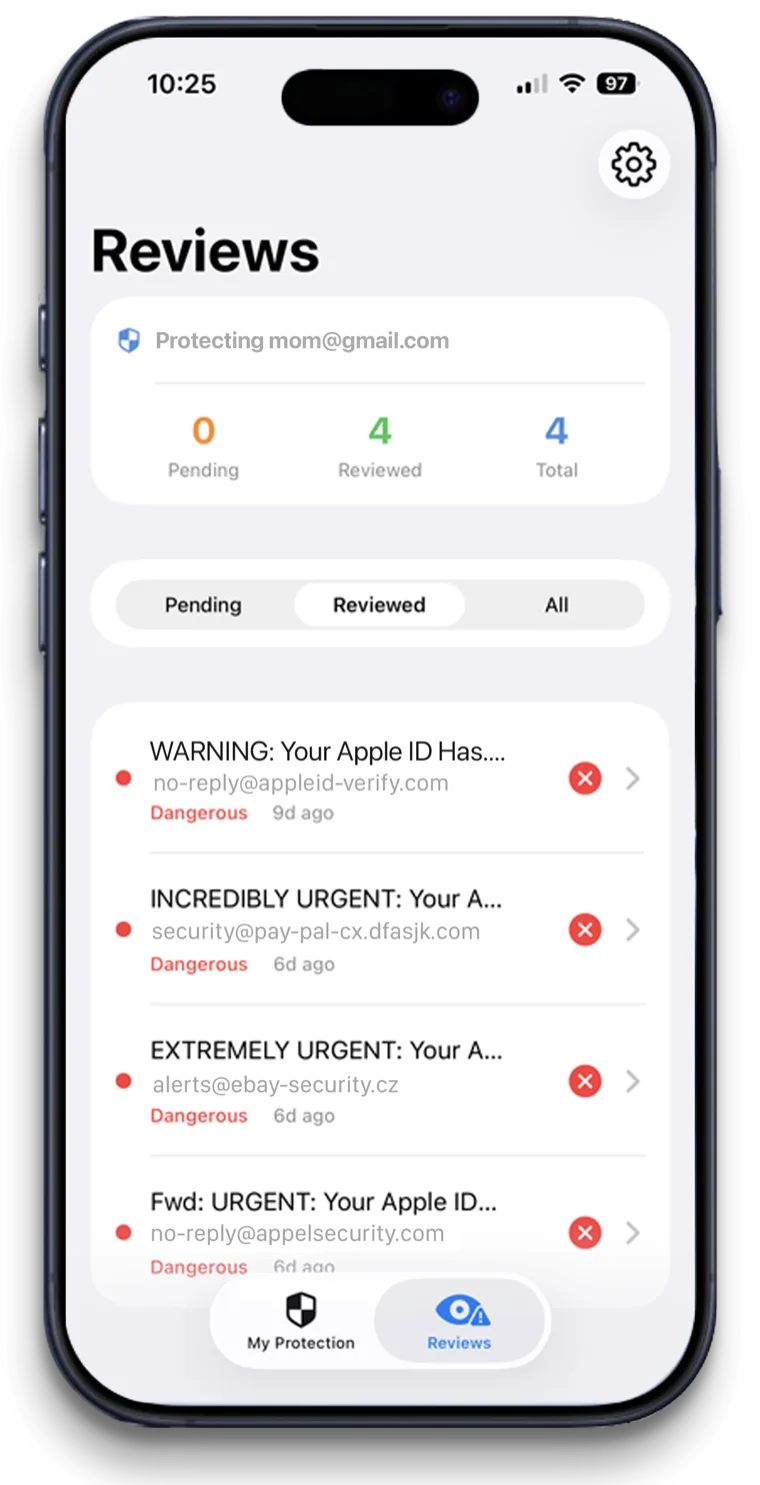
OwlGuardian blocks scam emails for older adults who use Gmail. It moves suspicious messages into quarantine within seconds, before your parent sees them, and sends a family member an alert to review. It does not block phone calls or text messages, so pair it with your carrier's free call protection.
The problem
Why this is hard to solve on your own.
Blocking one sender doesn't stop the next
You can block a scam address in Gmail, but scammers send from new addresses all the time. Blocking after the fact is a game of whack-a-mole.
"Scam blocker" means different things
Call blockers, text filters, browser add-ons and email tools all use the word. It's hard to tell which one stops the scams your parent actually gets.
Your parent shouldn't have to judge every message
A warning label still asks your parent to decide. You'd rather the risky email never reached the inbox at all.
How OwlGuardian helps
What it does, in plain English.
Blocks by quarantine, not by deletion
Suspicious emails are moved aside, not erased. If a real email gets caught, you release it in two taps and it lands in your parent's inbox.
Catches new senders, not just known ones
AI reads each message for phishing links, urgency pressure, fake invoices and social engineering. It doesn't rely only on a list of bad addresses.
Learns the senders your family trusts
Mark a sender safe twice and OwlGuardian stops flagging them. Fewer false alarms over time.
A check button for texts and pop-ups
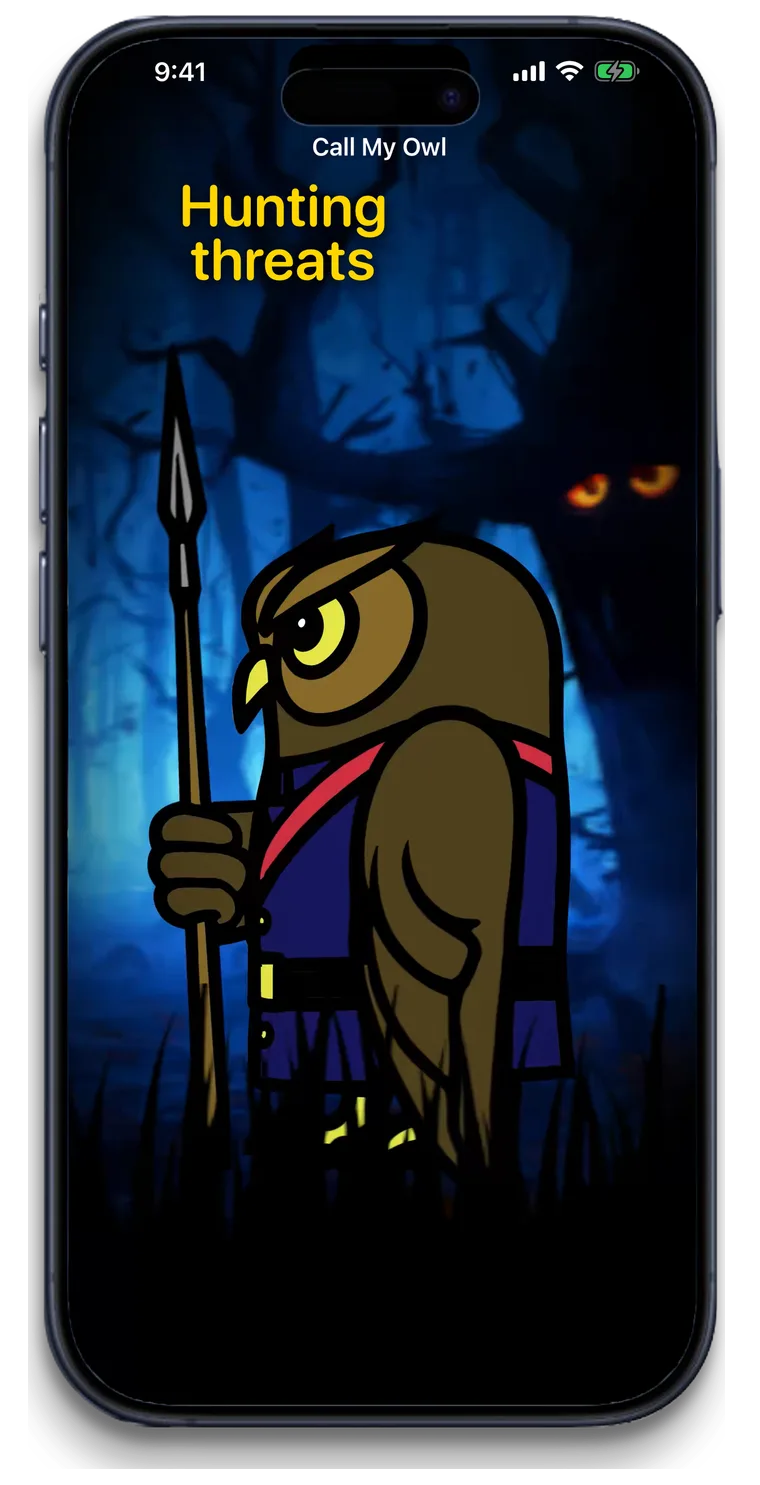
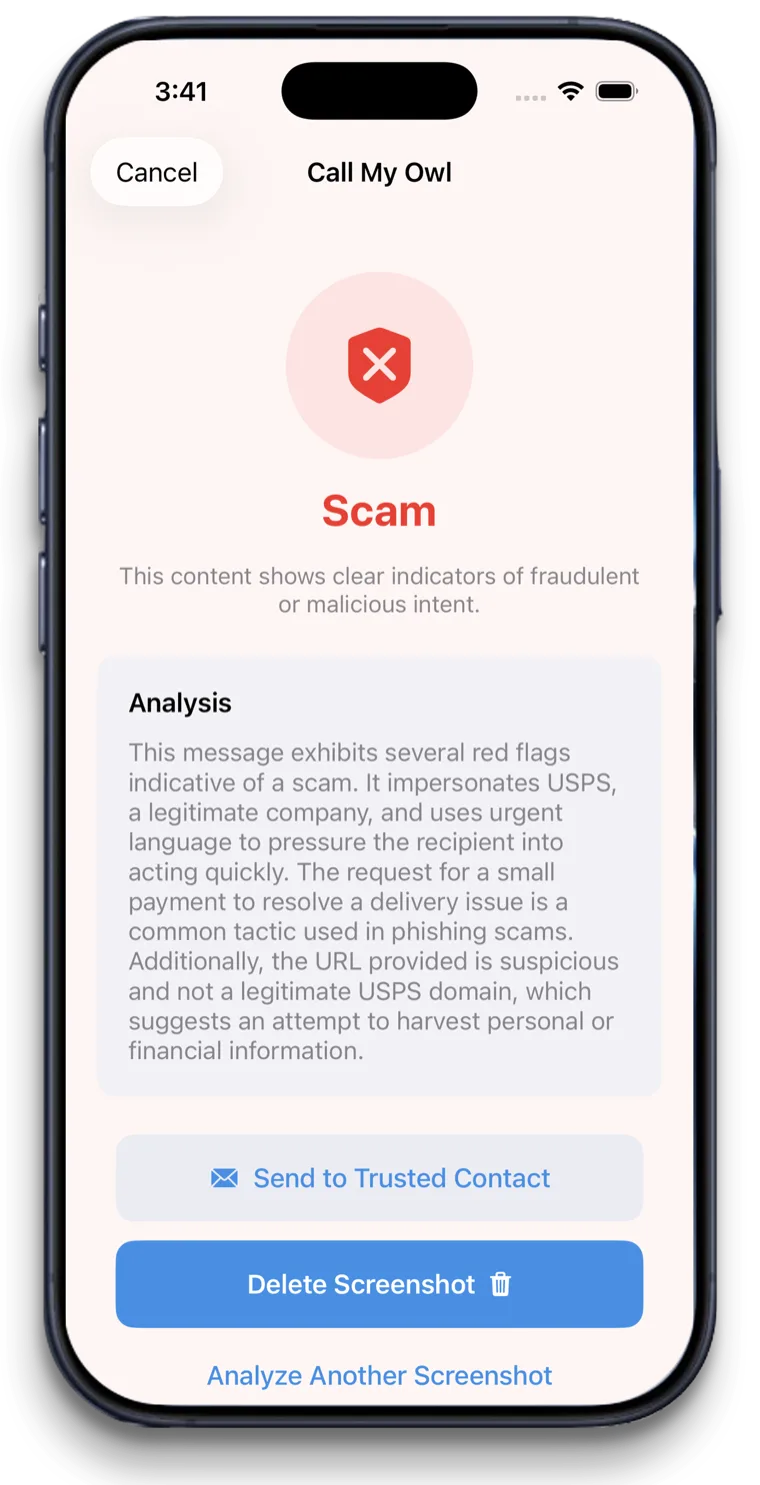
OwlGuardian can't block texts. But your parent can say "Hey Siri, call my Owl" to screenshot a suspicious text or pop-up and get a verdict in about five seconds.
Your options
How it compares with other ways to stay safe.
An honest look. Most families use more than one layer.
Option
What it catches
Where it falls short
Carrier call blocking (Verizon Call Filter, T-Mobile Scam Shield, AT&T ActiveArmor)
Spam and scam calls on that carrier's network. T-Mobile's also covers texts and websites.
Doesn't read email. AT&T notes it may block some wanted calls.
iPhone Screen Unknown Callers and unknown-sender filtering
Calls from numbers not in Contacts can be asked their reason or silenced. Texts from unknown senders can be filtered into a separate list.
Based on whether a number is known, not whether the message is a scam. Doesn't touch email.
Blocking addresses in Gmail
Future email from one specific address.
Only works after a scam already arrived, and only for that exact sender.
OwlGuardian
Scam emails in Gmail, quarantined before they're opened, with a family alert. Call My Owl checks texts and pop-ups on request.
Does not block calls or texts. Gmail today, with Outlook and Hotmail in beta.
Looking at a specific product? See our comparison pages.
A good fit if
- Parents whose scams mostly arrive by email
- Families who already set up call blocking and want the inbox covered too
- Parents who have clicked a fake invoice or "virus alert" email before
Not the right fit if
- Blocking scam phone calls or robocalls. Use your carrier's free tool and iPhone's call screening.
- Blocking text messages automatically. Call My Owl checks a text only when your parent asks.
- Landlines. OwlGuardian works with Gmail and an iPhone.
- Yahoo or AOL email, for now. Outlook and Hotmail are in beta. Join the waitlist to hear when your provider is ready.
Get started
$4.99 a month. Free for 30 days.
One subscription per person you protect. Set up in about five minutes. Cancel anytime in the App Store.