

For adult children
A scam protection app for elderly parents that keeps you in the loop
You can't sit next to your mom or dad every time an email arrives. OwlGuardian can, and it tells you when something looks wrong.
$4.99/month after a 30-day free trial. Gmail today. Outlook and Hotmail in beta.
The problem
Why this is hard to solve on your own.
You find out after the damage is done
Most families learn about a scam when the money is already gone or the computer is already "fixed" by a stranger. You want to hear about it while there is still time to say "don't click that."
Your parent doesn't want to be watched
Reading every message feels like a takeover, and most parents push back. You need something that respects their privacy and their independence.
Long distance makes it harder
If you live in another city, you can't glance at their inbox on a Sunday visit. The warning has to reach your phone, wherever you are.
How OwlGuardian helps
What it does, in plain English.
Scam emails held back, not just labeled
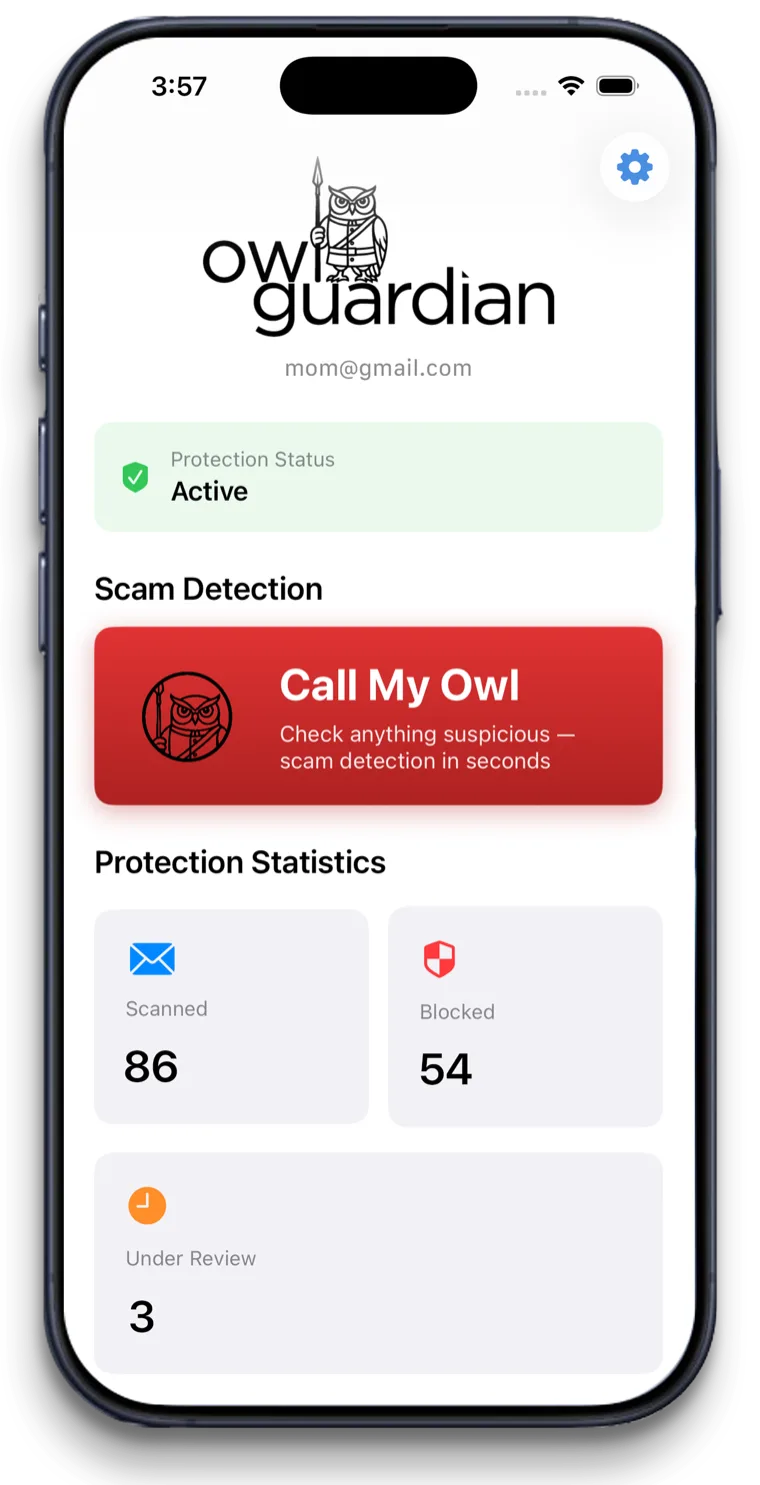
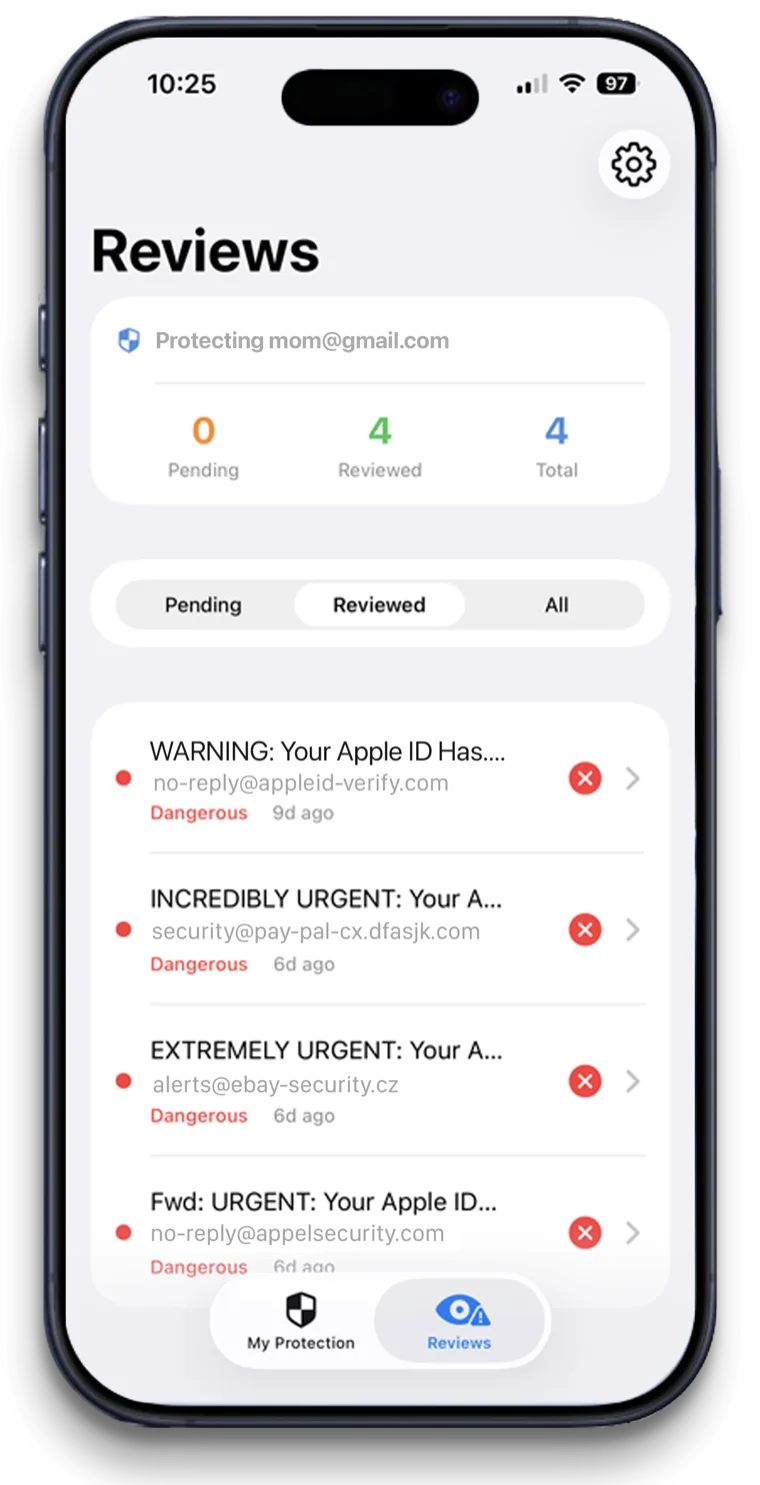
AI checks every incoming Gmail message for phishing, fake invoices, urgency tricks and known scam patterns. Suspicious ones go to quarantine within seconds, so your parent never has the chance to click.
An alert on your phone, with a plain summary
You get a short note that says what the email claims and why it looks wrong. Release it or keep it with two taps. After you mark a sender safe twice, OwlGuardian stops flagging that sender.
Nothing changes for your parent
Gmail looks the same. No alarming pop-ups, no new habits to learn. If they wonder where an email went, they can open the app and see what's quarantined.
A way to ask before they act
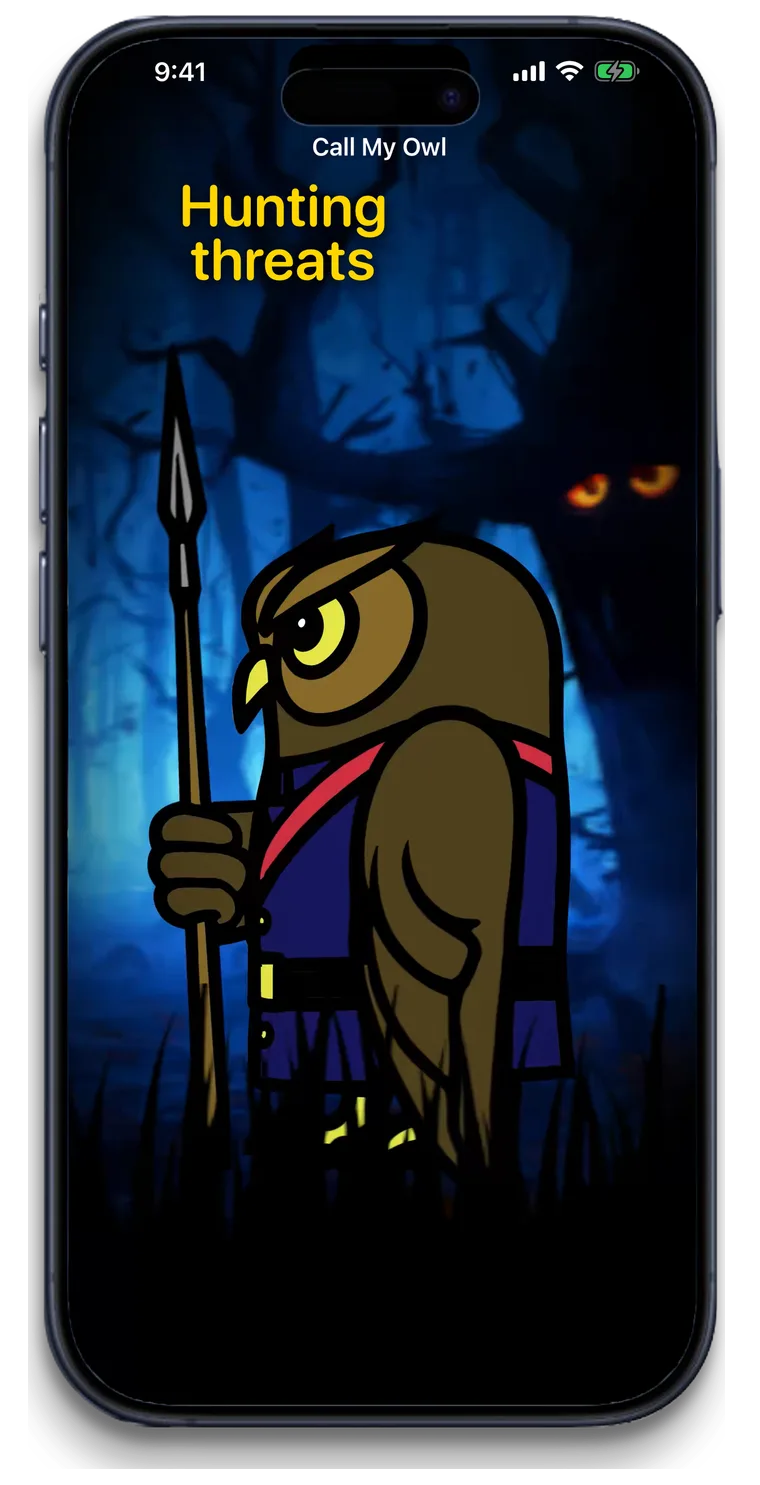
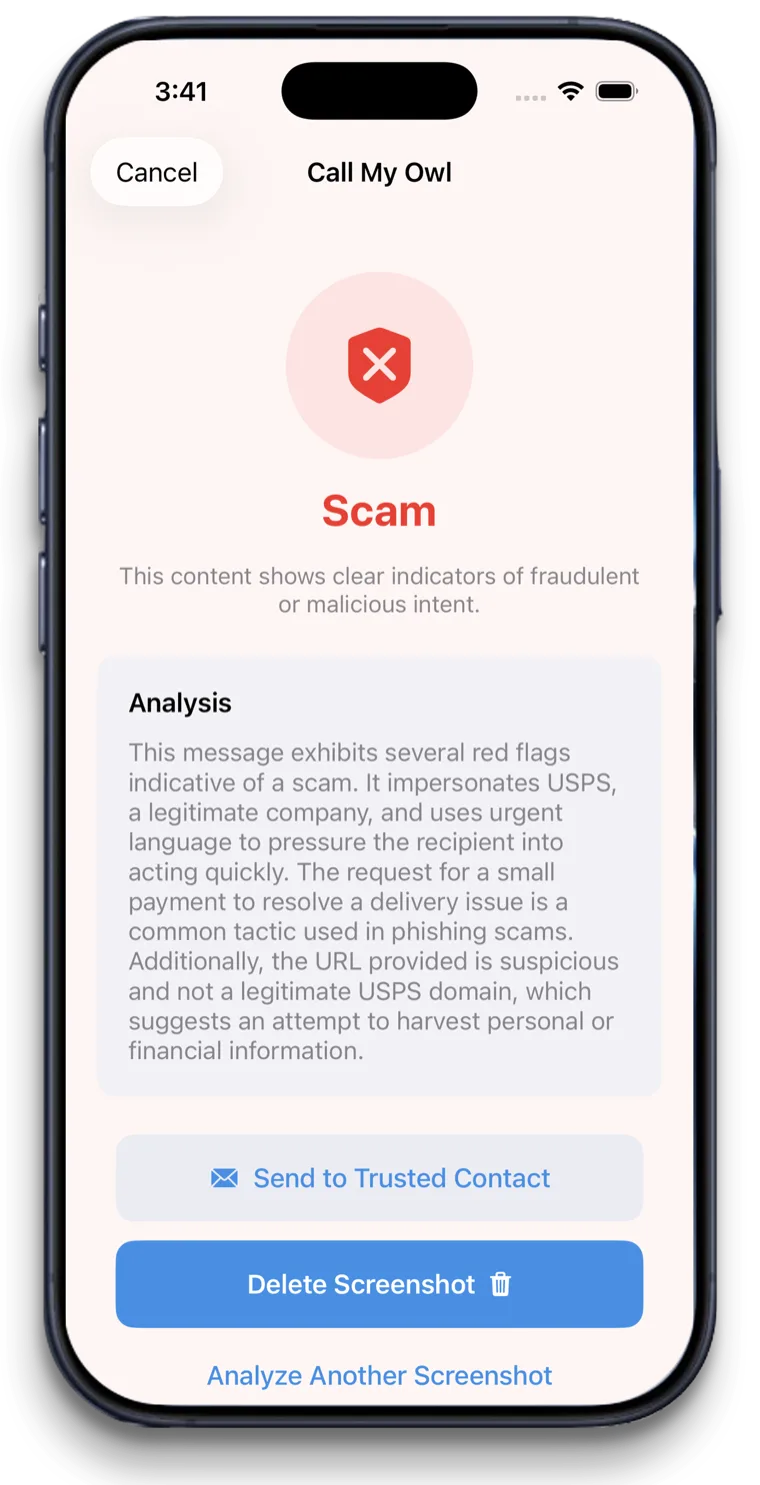
For a strange text, Facebook message, pop-up or letter, your parent can say "Hey Siri, call my Owl" to check a screenshot or photo. They get a verdict in about five seconds.
Your options
How it compares with other ways to stay safe.
An honest look. Most families use more than one layer.
Option
What it catches
Where it falls short
Calling or visiting to check their inbox
Whatever you happen to see when you look.
Scam emails often push for action right away. By the time you look, the click may already have happened.
Gmail's built-in spam filter
Gmail moves emails it identifies as spam to the Spam folder and shows warnings on some suspicious messages.
Nobody in the family is told. If a scam reaches the inbox, your parent decides alone.
Identity or financial monitoring (Aura, Carefull, EverSafe)
Alerts about credit, transactions, passwords or account activity, shared with a caregiver.
Mainly built to spot problems in accounts. Aura and EverSafe also sell email-screening add-ons; compare the details on our comparison pages.
OwlGuardian
Scam emails in Gmail, held in quarantine before they're opened, with an alert to you. With Call My Owl, your parent can also check a suspicious text, pop-up or letter by saying "Hey Siri, call my Owl."
Gmail today, with Outlook and Hotmail in beta. Does not block calls or texts, or watch bank accounts or credit.
Looking at a specific product? See our comparison pages.
A good fit if
- Adult children whose parent uses Gmail on any device
- Parents who get fake invoices, "your account is locked" emails or tech support scams
- Families who live far apart and want a warning on their own phone
- Parents with early memory changes who still want to manage their own email
Not the right fit if
- Parents who use Yahoo or AOL email. Those are on the way. Outlook and Hotmail are in beta, and you can join the waitlist.
- Scam phone calls. OwlGuardian does not block calls. Use your carrier's free tool and iPhone's unknown-caller screening.
- Android-only families. The app runs on iPhone.
Get started
$4.99 a month. Free for 30 days.
One subscription per person you protect. Set up in about five minutes. Cancel anytime in the App Store.