

For iPhone users
Scam protection for iPhone: free settings first, then the gaps
Your parent's iPhone already has useful scam defenses, but most are off or set loosely. Turn these on together first. Then see what's still uncovered.
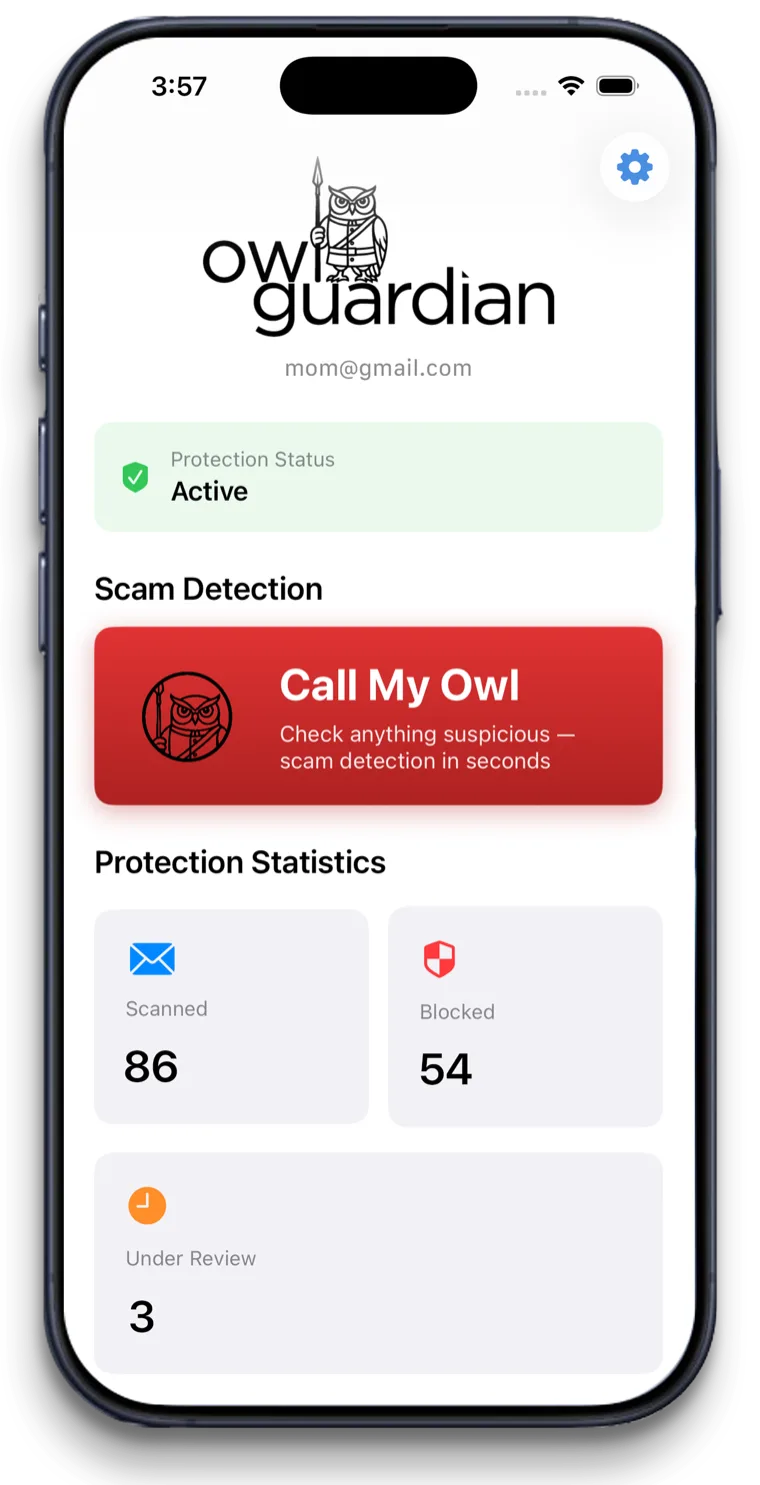
$4.99/month after a 30-day free trial. Gmail today. Outlook and Hotmail in beta.
The short answer
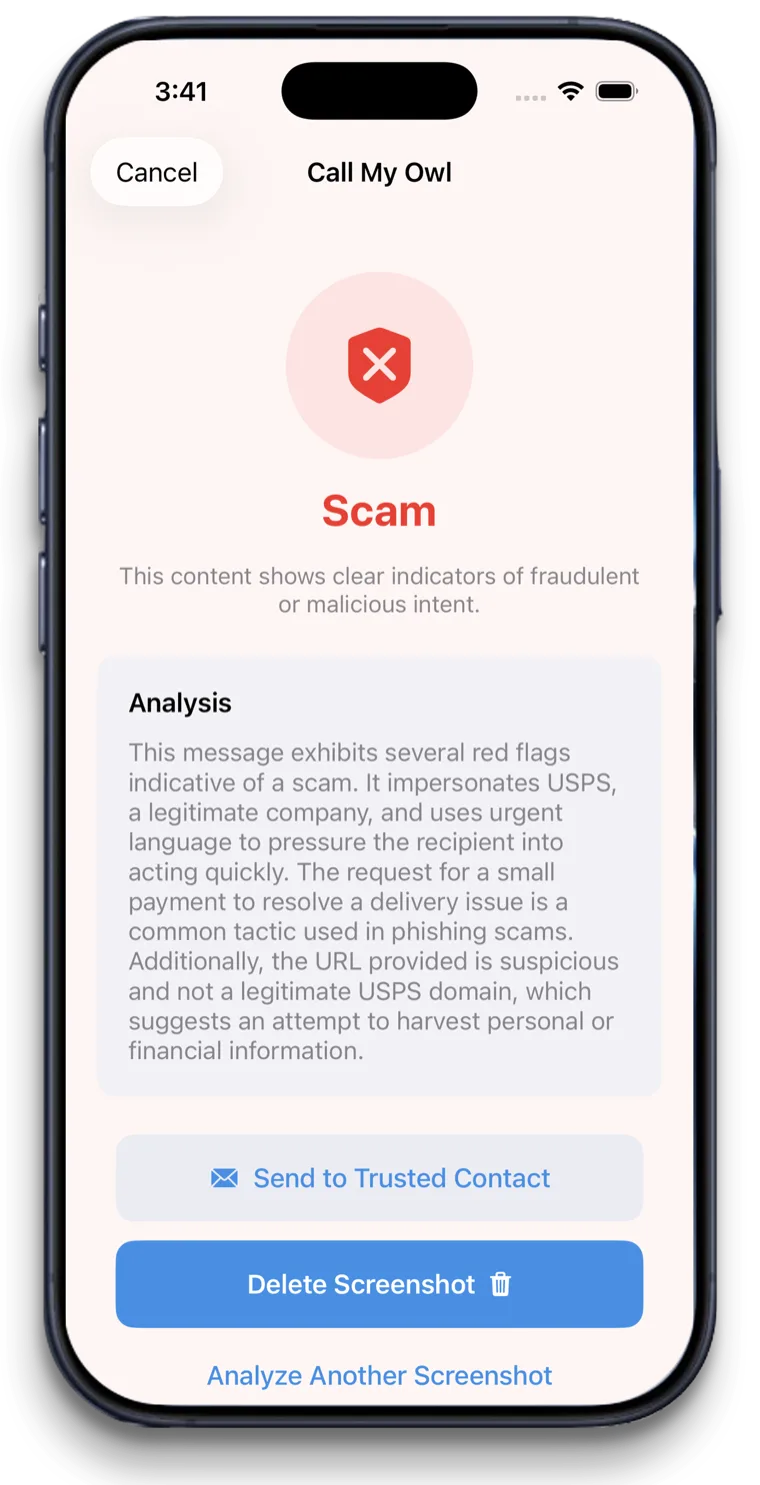
iPhone has free built-in scam protection: Screen Unknown Callers can ask callers their reason or silence them, and Messages can filter texts from unknown senders into a separate list. Neither checks email. OwlGuardian adds AI screening for Gmail and Call My Owl, which checks a screenshot when your parent says "Hey Siri, call my Owl."
The problem
Why this is hard to solve on your own.
The settings are hard to find
Call screening lives under Settings, Apps, Phone. Text filtering lives under Messages. Few people go looking, so the protections sit unused.
Unknown isn't the same as scam
iPhone's filters sort by whether a number is in your parent's contacts. A scam from a spoofed or saved-looking sender can still get through, and your parent's doctor's office may get silenced.
Email is the open door
The iPhone's call and text filters don't screen email. Fake invoices and "account locked" emails land in Mail or Gmail untouched.
How OwlGuardian helps
What it does, in plain English.
Step 1, free: screen unknown callers
On your parent's iPhone, go to Settings, Apps, Phone, Screen Unknown Callers. Choose "Ask Reason for Calling" so they hear why someone is calling before the phone rings, or "Silence" to send them to voicemail. Save their doctors, pharmacy and family to Contacts first so those calls always ring.
Step 2, free: filter texts from unknown senders
In Settings, Apps, Messages, scroll to Unknown Senders and turn on screening. Texts from people your parent hasn't messaged go to a separate list. In Messages they can also report spam and block senders.
Step 3: add scam screening for Gmail
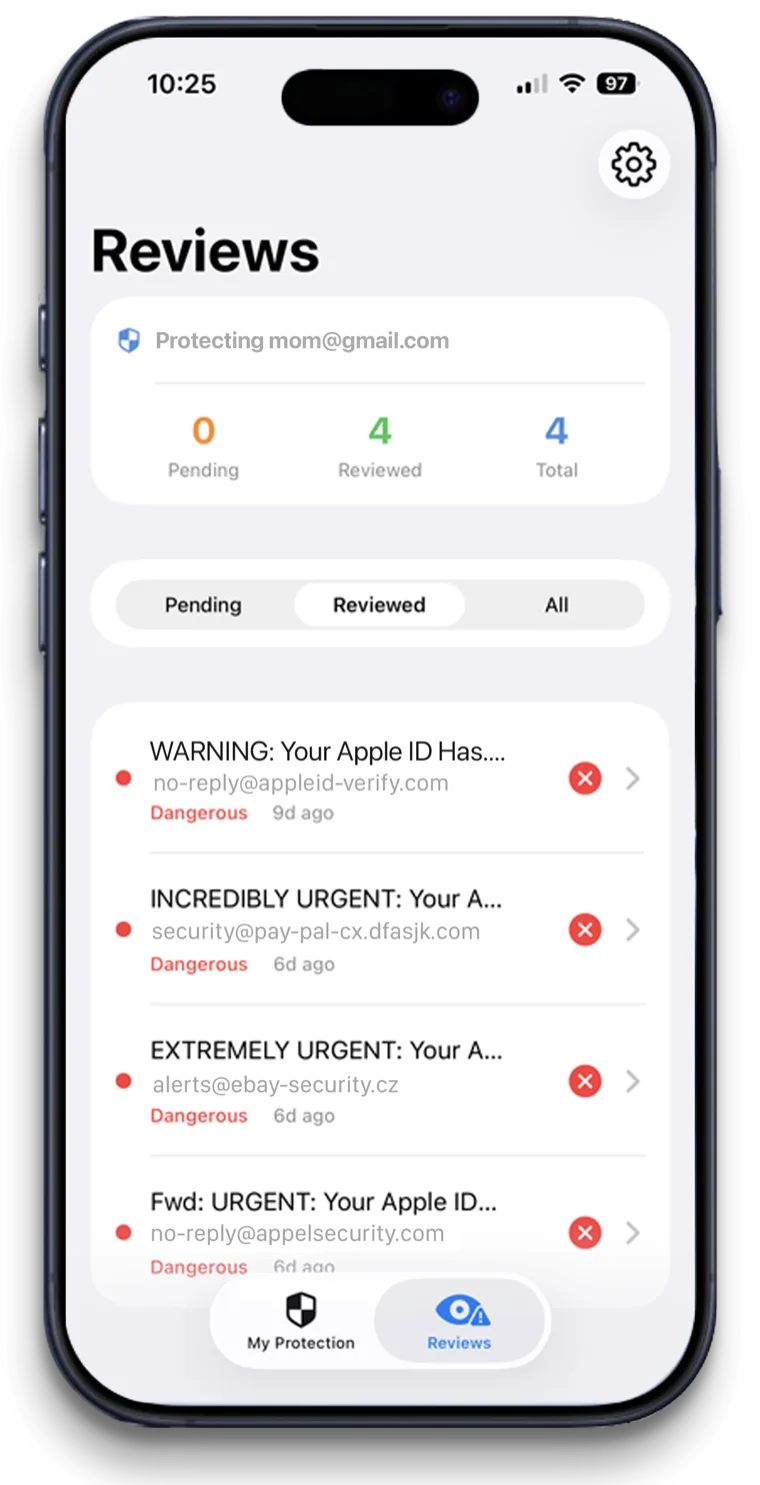
OwlGuardian's AI scans every incoming Gmail message and quarantines likely scams before they're seen. You get an alert as their Trusted Contact and release or keep each one.
Step 4: one phrase for everything else
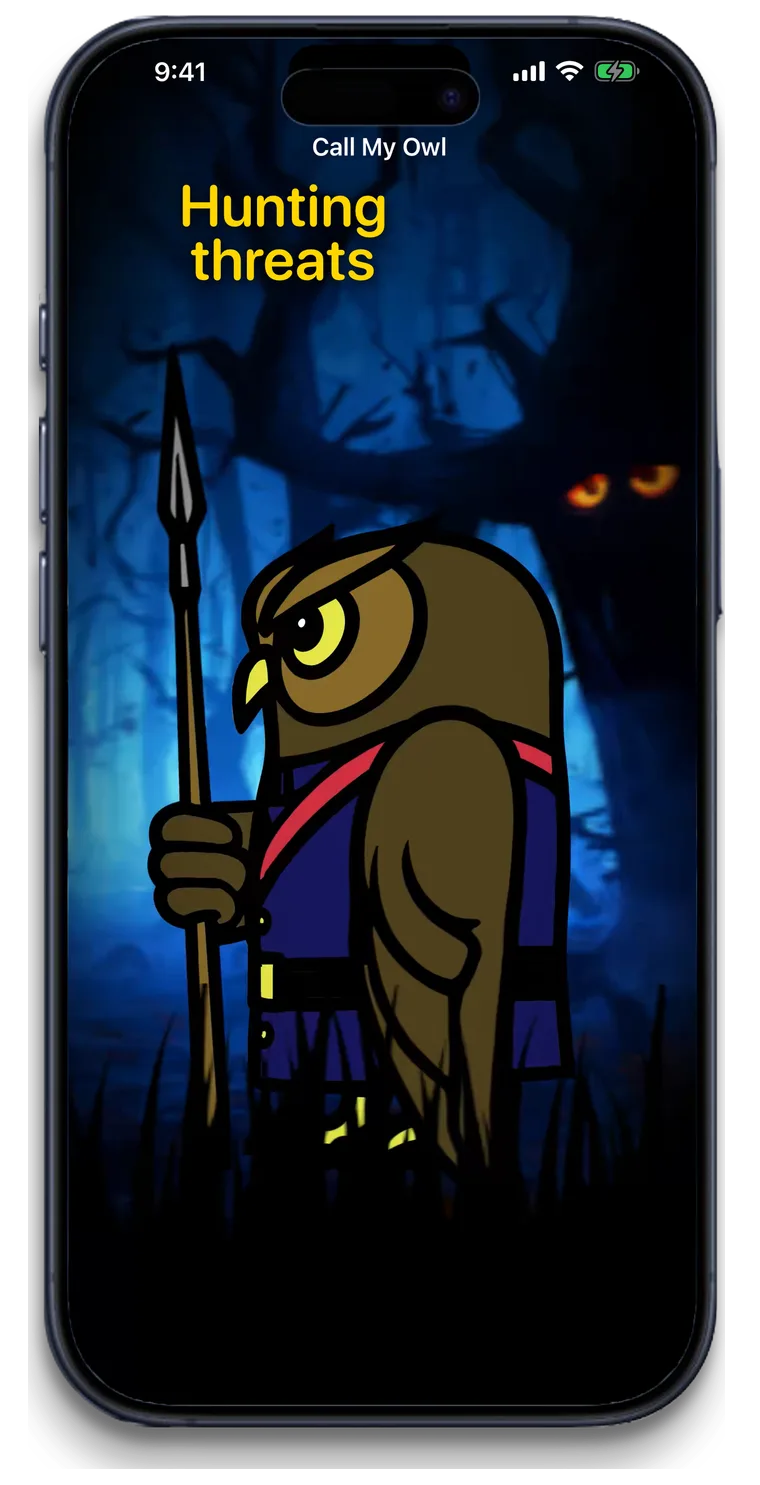
Your parent says "Hey Siri, call my Owl" when a text, Facebook message, pop-up or web page looks off. They get a verdict in about five seconds, and they can photograph a letter in the app to check it too.
Your options
How it compares with other ways to stay safe.
An honest look. Most families use more than one layer.
Option
What it catches
Where it falls short
iPhone Screen Unknown Callers (free)
Calls from numbers not in Contacts. Your parent's phone can ask their reason first or silence them to voicemail.
Based on whether a number is saved, not on scam content. Calls aren't screened while roaming.
iPhone Messages unknown-sender filtering (free)
Texts from people your parent hasn't interacted with go to a separate Unknown Senders list. They can report spam and block senders.
Sorts by sender, not content. Doesn't apply once your parent has replied to a sender several times.
Carrier tools (Verizon Call Filter, T-Mobile Scam Shield, AT&T ActiveArmor)
Free network-level blocking or flagging of spam and scam calls for that carrier's customers.
Calls (and for T-Mobile, texts and websites). No email screening.
OwlGuardian
Scam emails in Gmail, quarantined with a family alert. Screenshot and photo checks with Call My Owl.
Doesn't block calls or texts. Email screening is Gmail today, with Outlook and Hotmail in beta. $4.99 a month after a 30-day trial.
Looking at a specific product? See our comparison pages.
A good fit if
- Parents with an iPhone and a Gmail address
- Adult children setting up a parent's new iPhone
- Parents who like asking Siri for help
Not the right fit if
- Android phones. OwlGuardian is iPhone only (for now).
- Replacing iPhone's built-in call and text filters. Keep those on.
- iCloud Mail or Yahoo email screening. Gmail today, with Outlook and Hotmail in beta; join the waitlist for others.
- Blocking scam calls. That's what Screen Unknown Callers and your parent's carrier tool are for.
Get started
$4.99 a month. Free for 30 days.
One subscription per person you protect. Set up in about five minutes. Cancel anytime in the App Store.
Which email does the person you're protecting use?
Questions.
Is there scam protection for iPhone?
How do I stop scam calls on my iPhone?
Does iPhone protect against scam emails?
Will Silence Unknown Callers block my doctor?
Does OwlGuardian work on iPad?
Related
Sources
- Apple Support: Manage unknown callers on iPhone
- Apple Support: View conversations from unknown senders in Messages
- Apple Support: Screen and filter text messages on iPhone
- Apple Support: Report spam and block senders in Messages on iPhone
- Verizon: Call Filter FAQs
- T-Mobile: Scam Shield
- AT&T: ActiveArmor
- App Store: OwlGuardian