

Scam prevention for seniors
Scam protection for seniors: prevent, catch, and recover
Scams fool careful, intelligent people every day, and your mom or dad is no exception. Good protection has three parts: lower the number of scams that reach them, catch the ones that do, and know who to call if money moves.
$4.99/month after a 30-day free trial. Gmail today. Outlook and Hotmail in beta.
The short answer
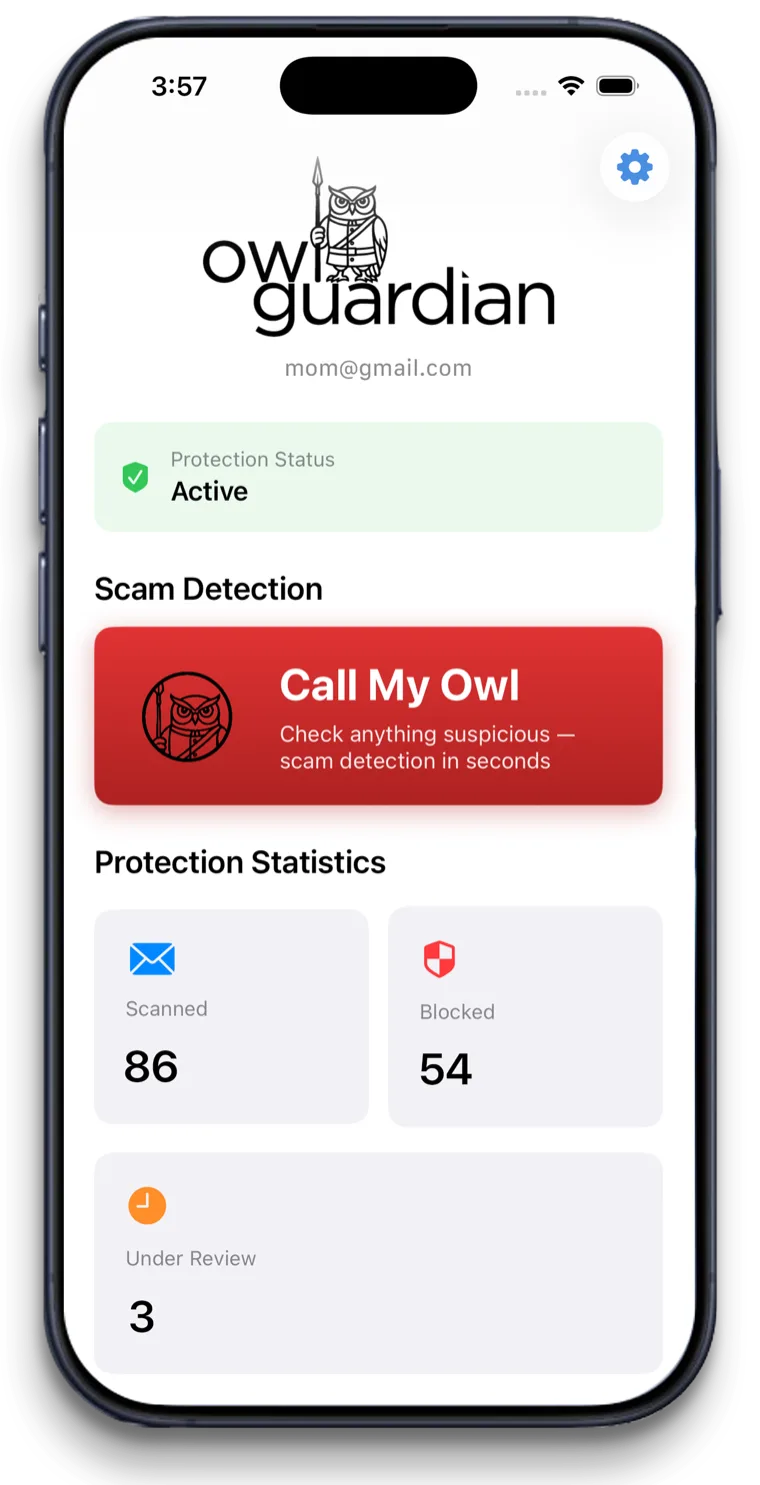
Scam protection for seniors works best in layers. Start with free tools on your parent's phone and accounts: carrier call blocking, phone screening, a credit freeze and bank alerts. Add email screening like OwlGuardian, which quarantines scam emails and alerts you as their Trusted Contact, and keep the numbers for help close by.
The problem
Why this is hard to solve on your own.
The losses are large
In 2025, people 60 and older filed 201,266 complaints with the FBI's Internet Crime Complaint Center and reported $7.748 billion in losses. The average loss was $38,500.
Scams come from every direction
In 2025, people 60 and older reported $3.52 billion lost to investment scams and $1.04 billion to tech support scams, plus large losses to romance and government impersonation scams. They arrive by phone, text, email and social media.
Shame keeps people quiet
Many older adults don't tell family after a scam, so you may be the last to hear. Fast reporting is one of the best chances to stop more losses.
How OwlGuardian helps
What it does, in plain English.
Prevent: free layers to turn on today
Turn on your parent's carrier scam call protection and iPhone's Screen Unknown Callers. Freeze their credit at all three bureaus, which is free. Add bank alerts and a trusted contact at their bank.
Catch: stop scam emails before they're opened
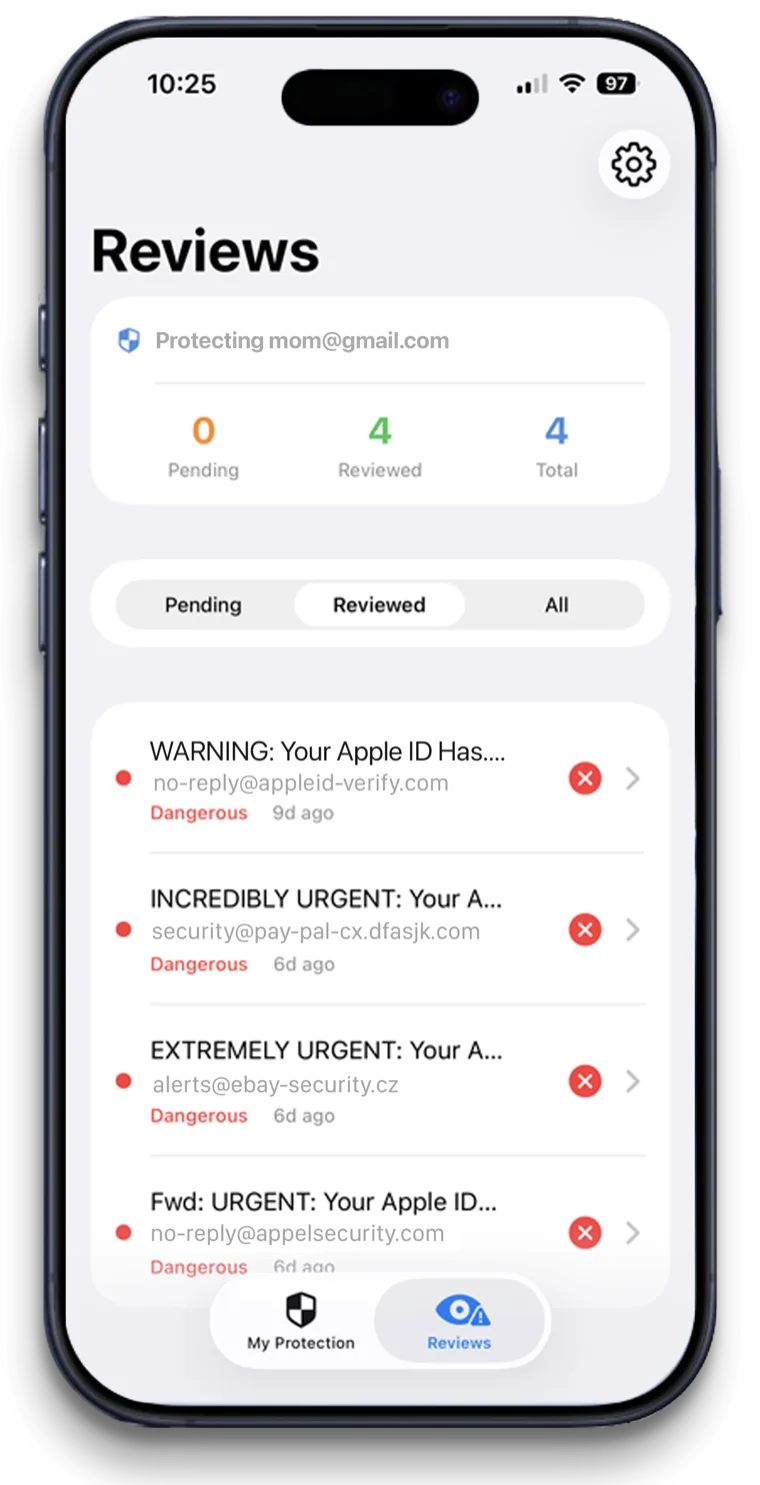
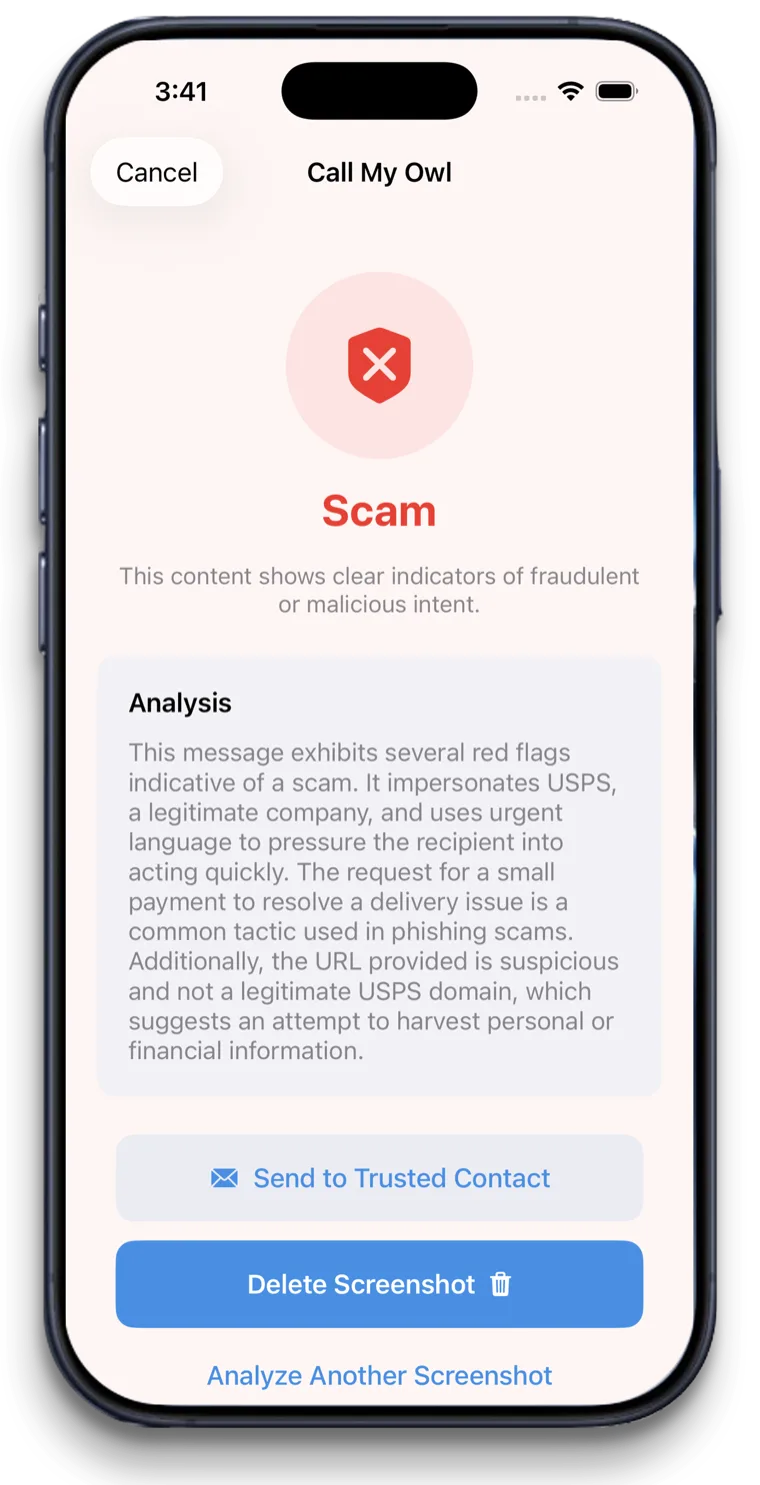
OwlGuardian quarantines suspicious Gmail messages and alerts you as the Trusted Contact. Call My Owl lets your parent check a text, pop-up or letter by saying "Hey Siri, call my Owl."
Recover: know the numbers before you need them
If money already moved, your parent's bank comes first. Then the National Elder Fraud Hotline at 1-833-372-8311 or the AARP Fraud Watch Helpline at 1-877-908-3360. Report at ReportFraud.ftc.gov and ic3.gov.
Watch for the second scam
After a loss, "recovery" companies may call promising to get money back for a fee. The FTC warns these are scams too. OwlGuardian can't recover money, and neither can anyone who charges upfront.
Your options
How it compares with other ways to stay safe.
An honest look. Most families use more than one layer.
Option
What it catches
Where it falls short
Carrier call protection and iPhone screening
Scam and spam calls, and calls or texts from unknown numbers. Free.
Doesn't read email. Can miss scams from spoofed or new numbers.
Credit freeze and bank alerts
New accounts opened in your parent's name, and unusual account activity. Freezes are free.
Alerts after money moves or an account is touched. Bank alert options vary by bank.
Identity and financial monitoring (Aura, Carefull, EverSafe)
Credit, transaction, password and account alerts, often shared with a caregiver.
Paid. Focused mainly on accounts and identity; email screening is an add-on where offered. See comparisons.
OwlGuardian
Scam emails in Gmail before they're opened, plus on-demand checks of texts, pop-ups and letters.
Doesn't block calls, monitor accounts or recover money. Gmail today, with Outlook and Hotmail in beta.
Looking at a specific product? See our comparison pages.
A good fit if
- Families who want a simple plan they can set up in an afternoon
- Families building layers of protection for a parent
- Parents who use Gmail and get phishing or fake invoice emails
Not the right fit if
- Recovering money already lost. Call the bank and use our recovery steps.
- Blocking phone scams. Use the free carrier and iPhone tools above.
- Replacing a credit freeze or bank alerts. OwlGuardian is one layer, not the whole plan.
- Yahoo or AOL email users, until more providers launch. Outlook and Hotmail are in beta.
Get started
$4.99 a month. Free for 30 days.
One subscription per person you protect. Set up in about five minutes. Cancel anytime in the App Store.
Which email does the person you're protecting use?
Questions.
What is the best scam protection for seniors?
How can seniors prevent scams?
Is there free scam protection for seniors?
Who do seniors call if they've been scammed?
Can OwlGuardian get scammed money back?
Related
Sources
- FBI IC3 2025 Annual Report (PDF)
- IC3: Elder Fraud
- Verizon: Call Filter FAQs
- T-Mobile: Scam Shield
- AT&T: ActiveArmor
- Apple Support: Manage unknown callers on iPhone
- FTC: Credit Freezes and Fraud Alerts
- FTC: How To Avoid a Scam
- FTC: Refund and Recovery Scams
- DOJ Office for Victims of Crime: National Elder Fraud Hotline
- AARP Fraud Watch Network Helpline
- FTC: ReportFraud.ftc.gov
- Aura press release: Trusted Family Access (Sep 17, 2026)
- Carefull: AI for Elder Fraud and Scams
- EverSafe: What We Do